Desktop App
Select the workbook
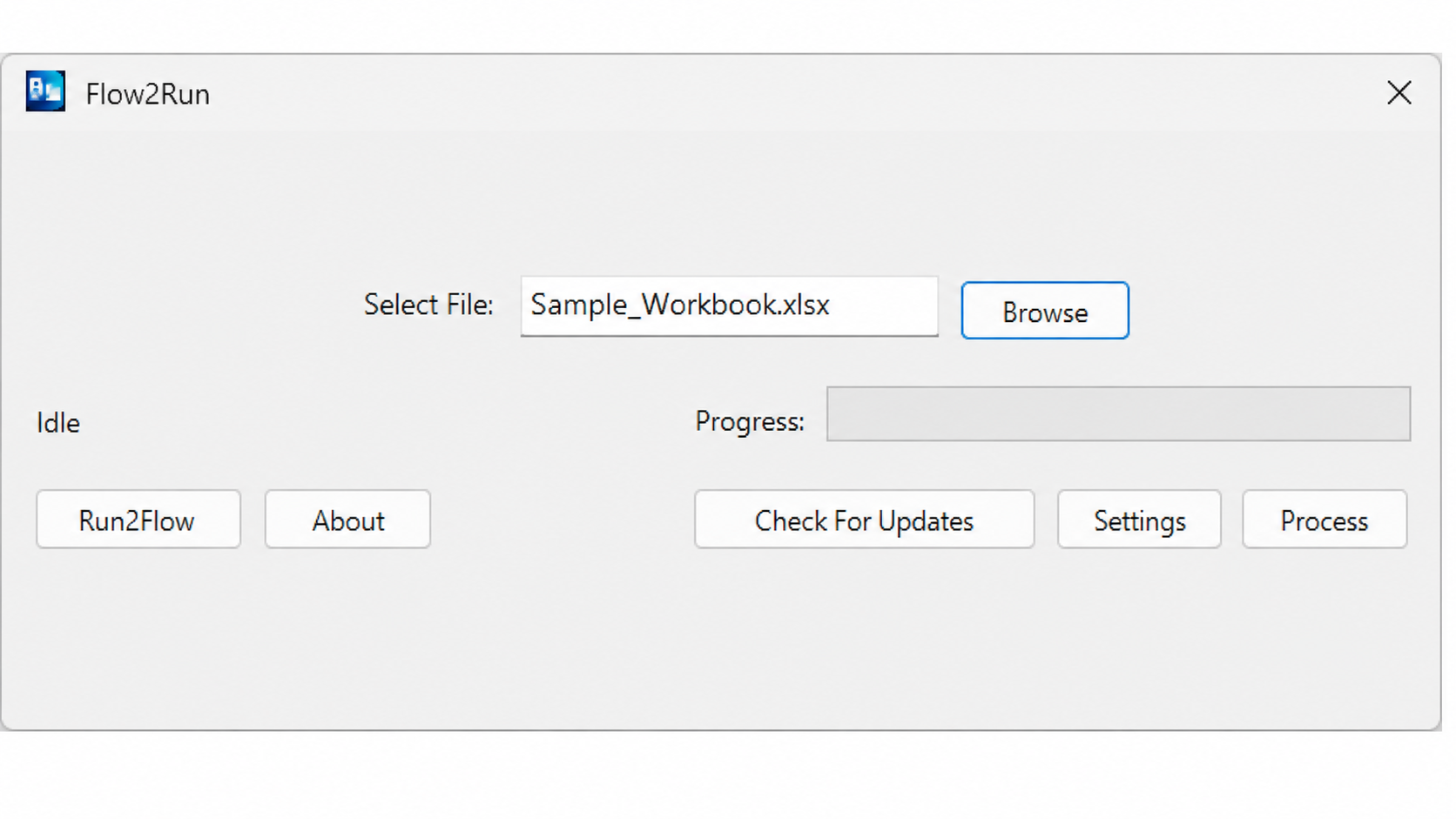
Choose the source Excel flowchart from your computer, then run the conversion from the Flow2Run app.
Flow2Run
Flow2Run screenshots showing the desktop app workflow, Excel flowchart input, and generated runsheet output.
Choose the source Excel flowchart from your computer, then run the conversion from the Flow2Run app.
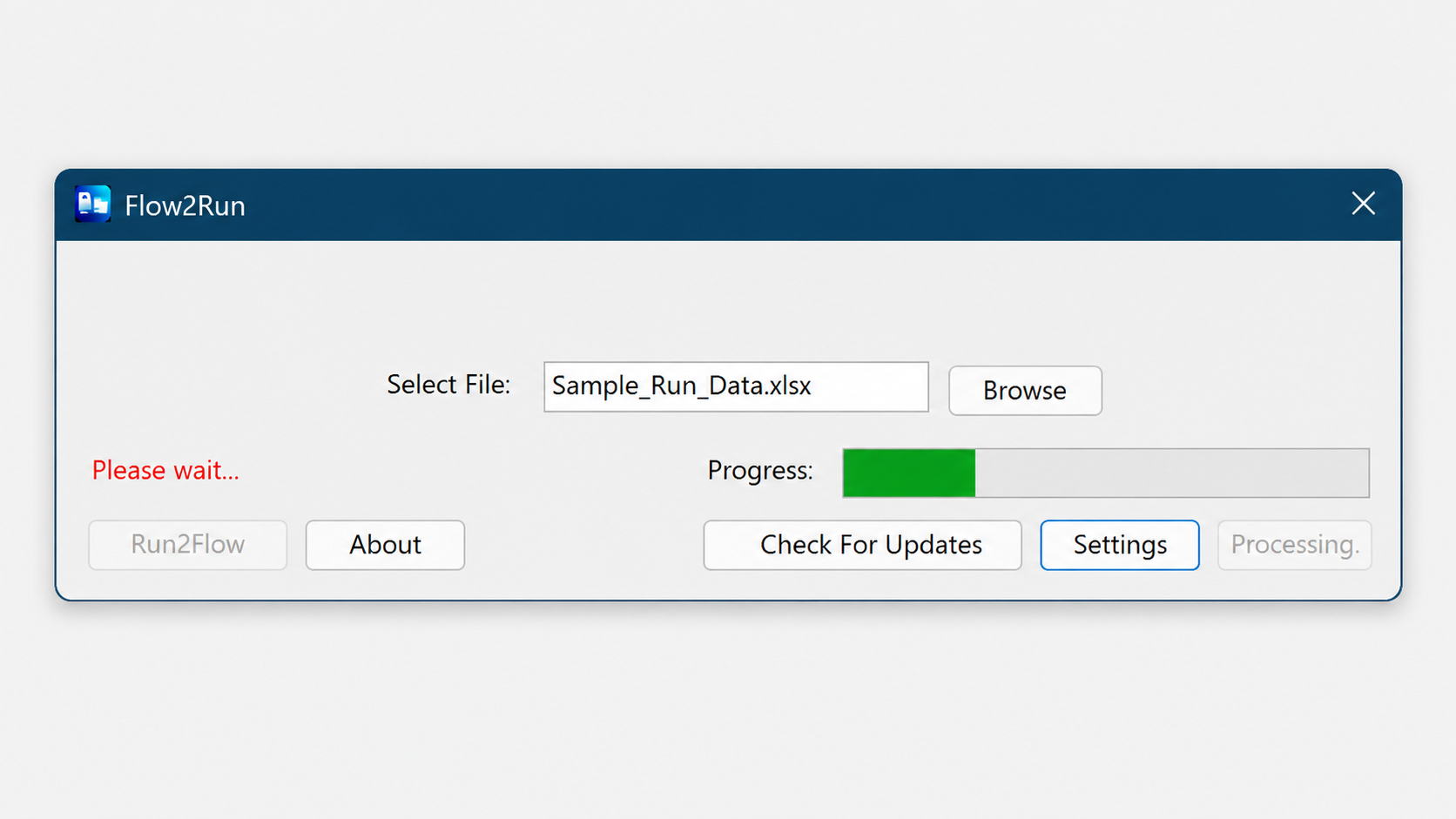
Flow2Run reads the workbook, extracts the flowchart entries, and builds a structured runsheet.
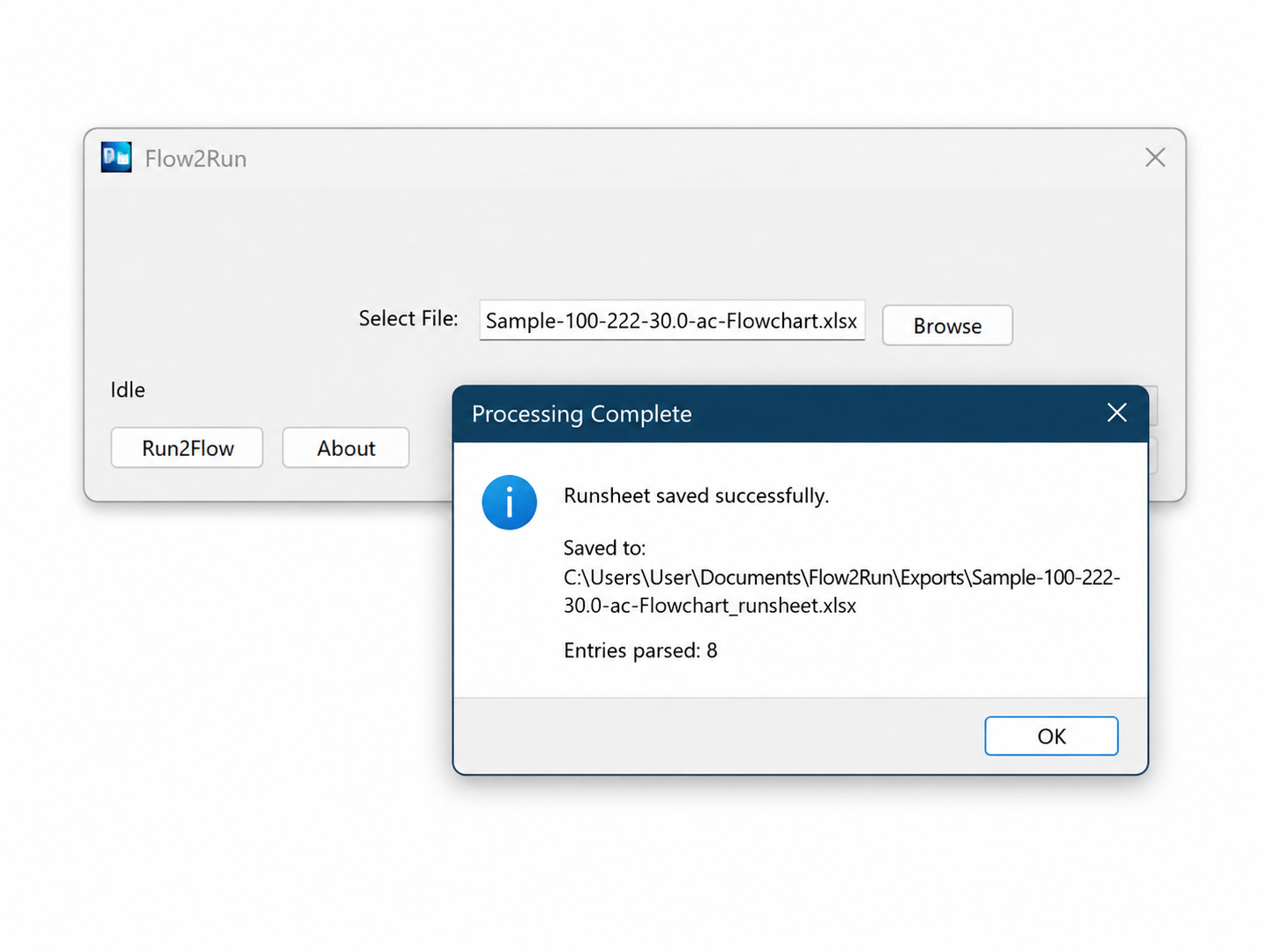
When processing is complete, Flow2Run saves the generated runsheet locally and reports the output path.
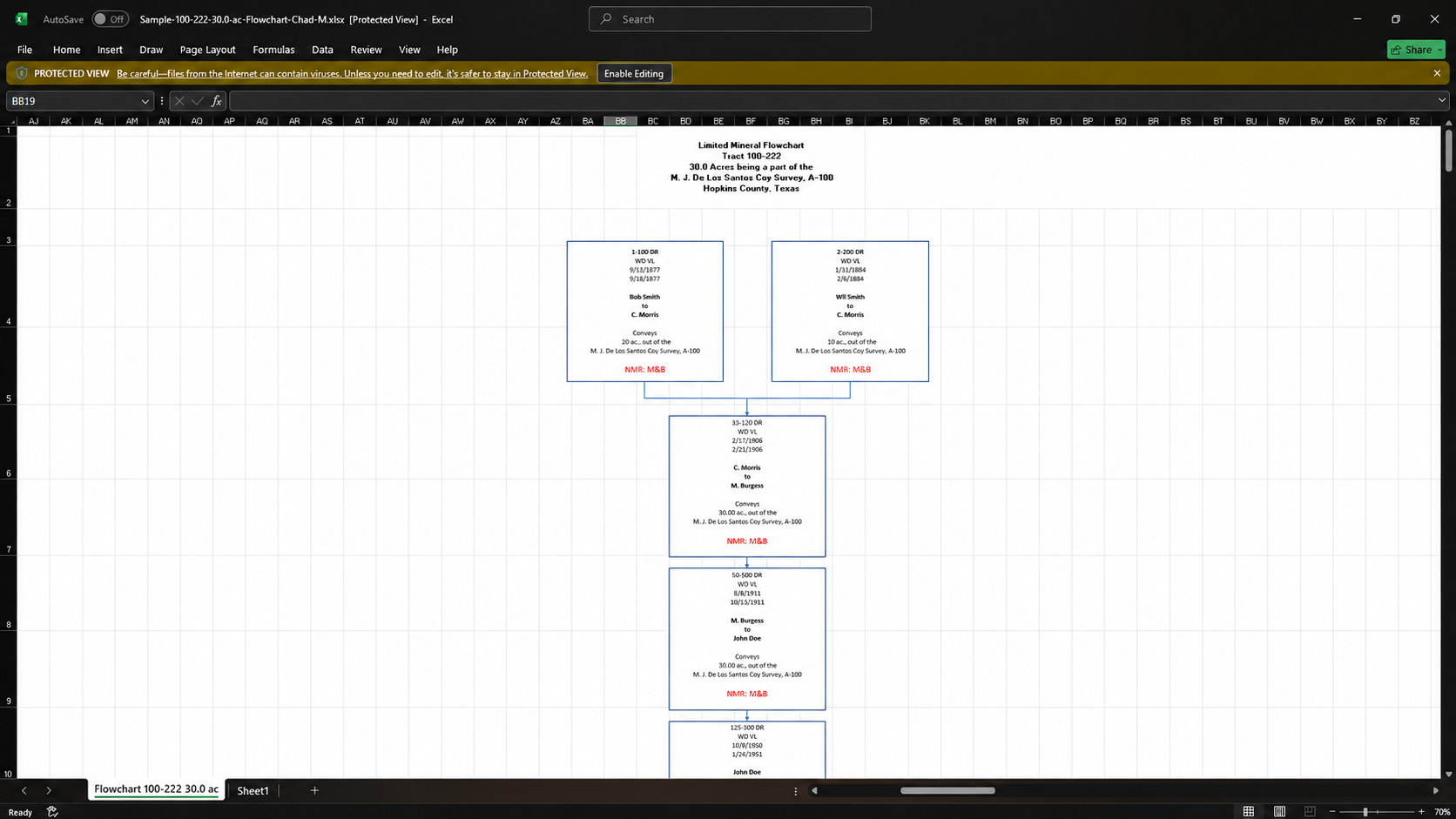
Flow2Run starts with the source flowchart workbook, including the title, tract details, and connected flowchart entries.
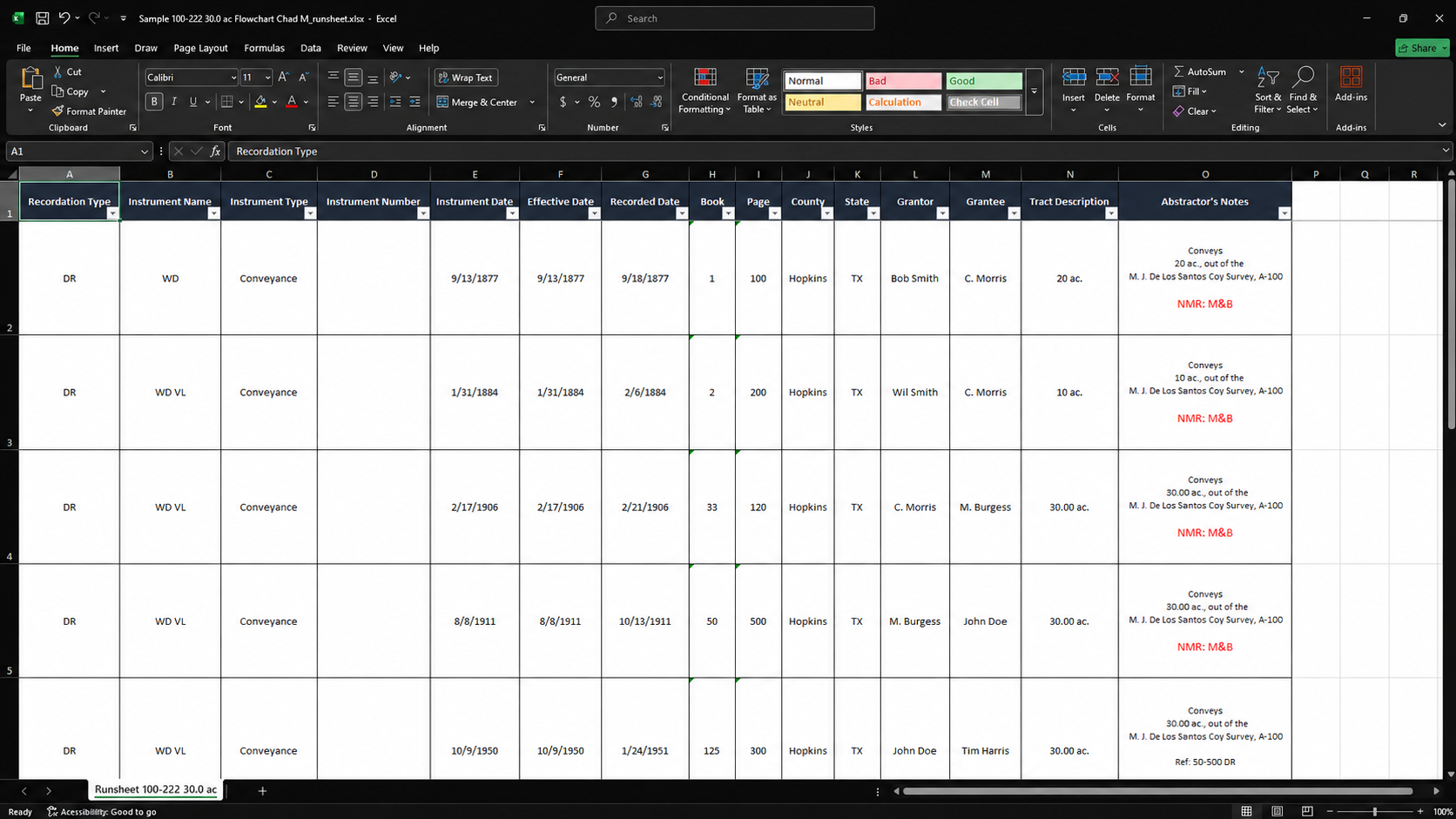
The generated runsheet organizes recordation type, instrument details, grantor, grantee, tract description, and abstractor notes into a clean spreadsheet.